


A team approval in your pipeline
A CI step waits until someone on the team clicks Approve.
 agentinbox
Any agent that can run a shell command or connect to an MCP server can ask your team on Slack and wait for the answer.
npx @agentinbox/cli setup slack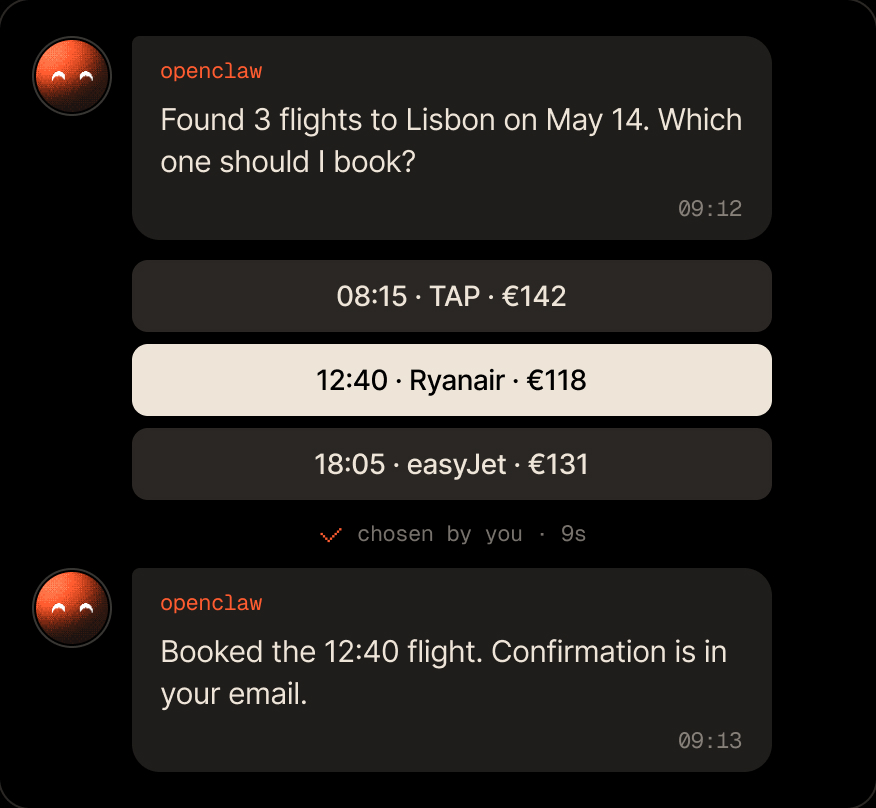
Put your team's sign-off in any workflow.
A CI step waits until someone on the team clicks Approve.

--subtitle, --body and --icon show exactly what's being approved.

Any remote MCP client with OAuth sign-in connects to https://mcp.agentinbox.md.
Connect Slack with the CLI, then ask from your code.
$ npm i -g @agentinbox/cliThe job waits for the first Approve.
A tell message for the team.
Someone clicks one, and your agent gets its id.
Everything your agent gets on Slack.

From the exit code: 0 approved or answered, 10 denied, 11 the wait ran out with the question still open, 12 expired, 1 an error. --json prints who answered and when.
Yes, in Slack only. Pass --icon with a catalog id such as stripe, or an https URL to a 32×32 image.
Yes. Connect it with a one-time code from agentinbox.md, or set the INBOX_SECRET_KEY environment variable.
Free for 100 conversations a month. No credit card required.
npx @agentinbox/cli setup slack

Asks you before it acts, and a message can start it

Checks in with you before it ships changes

Asks from the terminal, you answer from anywhere

Lets its agents ask you instead of guessing

Reports back from wherever it runs

Your personal assistant, reachable when you're away
Reaches people for you from the chat

Sends messages and gets answers from the chat

Asks you before it acts on your behalf


