


Decisions where the team works
Questions land in Slack, not in a terminal nobody's watching.
 agentinbox
OpenCode can ask you and your team on Slack, so a decision doesn't hold up the task.
opencode mcp add AgentInbox --url https://mcp.agentinbox.md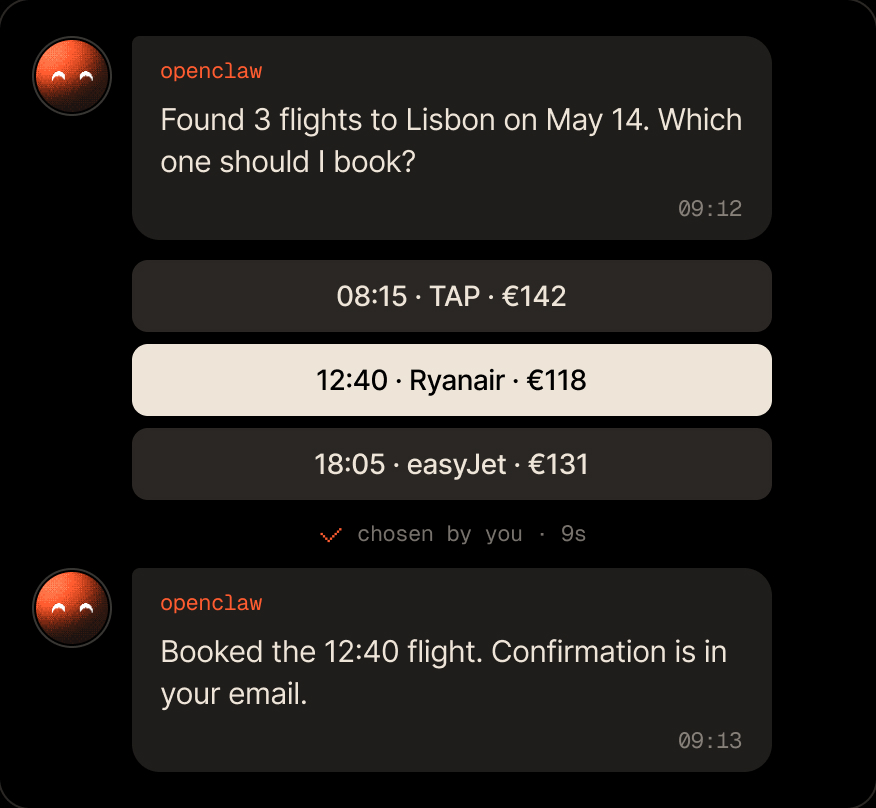
OpenCode keeps going, and the team keeps the decisions.
Questions land in Slack, not in a terminal nobody's watching.

Deletes and releases wait for a click.

Add the server to one repo, or to all of them with --global.
Add the MCP server, sign in, add Slack, and install the skills.
opencode mcp add AgentInbox --url https://mcp.agentinbox.mdOpenCode waits for your Approve.
Dan answers in Slack, and OpenCode uses it.
A tell message, with no reply needed.
Everything your agent gets on Slack.

In the project's opencode.json, or in ~/.config/opencode/opencode.json for every project, as a remote MCP server with the URL https://mcp.agentinbox.md.
No. You sign in to Agent Inbox in your browser and approve OpenCode.
Yes. The Slack app belongs to your agent in Agent Inbox. Any tool connected to the same account reaches people through it.
Free for 100 conversations a month. No credit card required.
opencode mcp add AgentInbox --url https://mcp.agentinbox.md

Asks you before it acts, and a message can start it

Checks in with you before it ships changes

Lets its agents ask you instead of guessing

Reports back from wherever it runs

Your personal assistant, reachable when you're away
Reaches people for you from the chat

Sends messages and gets answers from the chat

Asks you before it acts on your behalf

Anything that runs a command or speaks MCP


