


Approve with a click
Anything hard to undo waits for Approve in Slack.
 agentinbox
Connect Grok Bot to Agent Inbox, add Slack, and it can ask you or your team before it acts.
https://mcp.agentinbox.md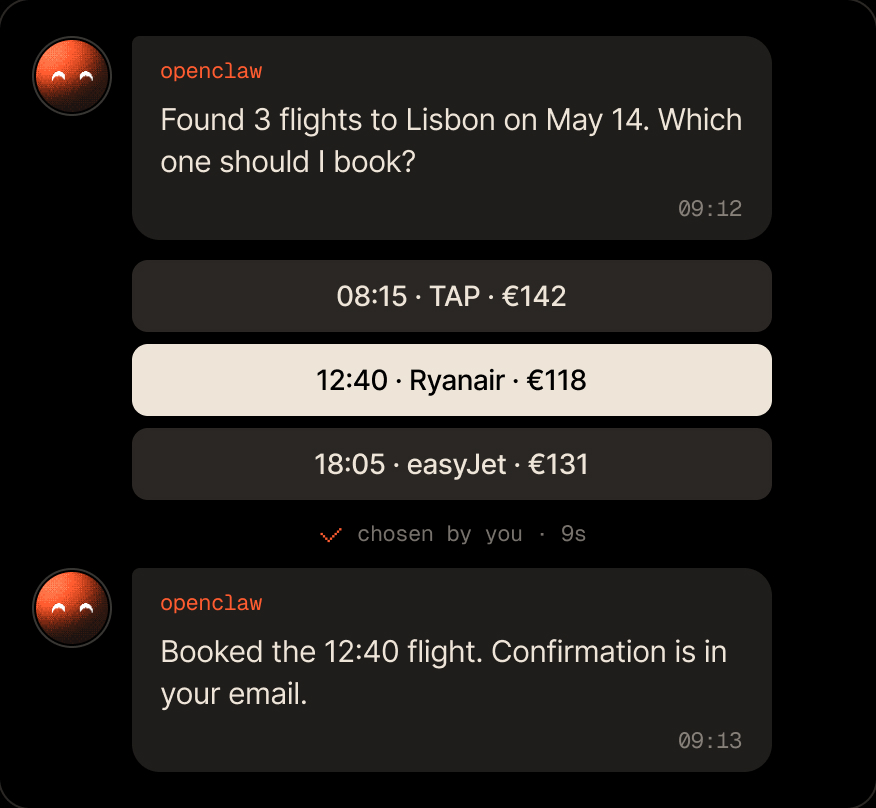
Grok Bot checks with the team before it acts.
Anything hard to undo waits for Approve in Slack.

Send one question to several teammates and take the first answer.

Grok Bot posts in Slack when it's done.
Add the MCP server, sign in, then add Slack from Grok Bot.
https://mcp.agentinbox.mdGrok Bot waits for your Approve.
The first pick decides.
A tell message, with no reply needed.
Everything your agent gets on Slack.

No. Add https://mcp.agentinbox.md with no headers, then sign in to Agent Inbox in your browser.
No. You paste it on the Agent Inbox setup page in your browser.
Yes, once they're contacts. Invite them, and Grok Bot can send a question to several at once.
Free for 100 conversations a month. No credit card required.
https://mcp.agentinbox.md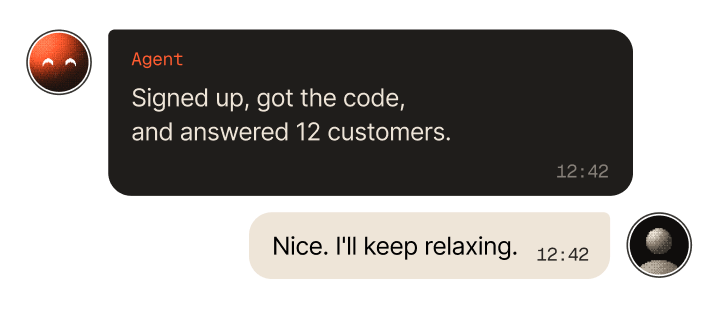

Asks you before it acts, and a message can start it

Checks in with you before it ships changes

Asks from the terminal, you answer from anywhere

Lets its agents ask you instead of guessing

Reports back from wherever it runs

Your personal assistant, reachable when you're away
Reaches people for you from the chat

Sends messages and gets answers from the chat

Anything that runs a command or speaks MCP


