


Questions follow you
The agent's questions land on your phone, not in an editor you closed.
 agentinbox
Cursor's agent can ask you on Telegram, so a question doesn't stall the task while you're away from your desk.
{ "mcpServers": { "AgentInbox": { "url": "https://mcp.agentinbox.md" } } }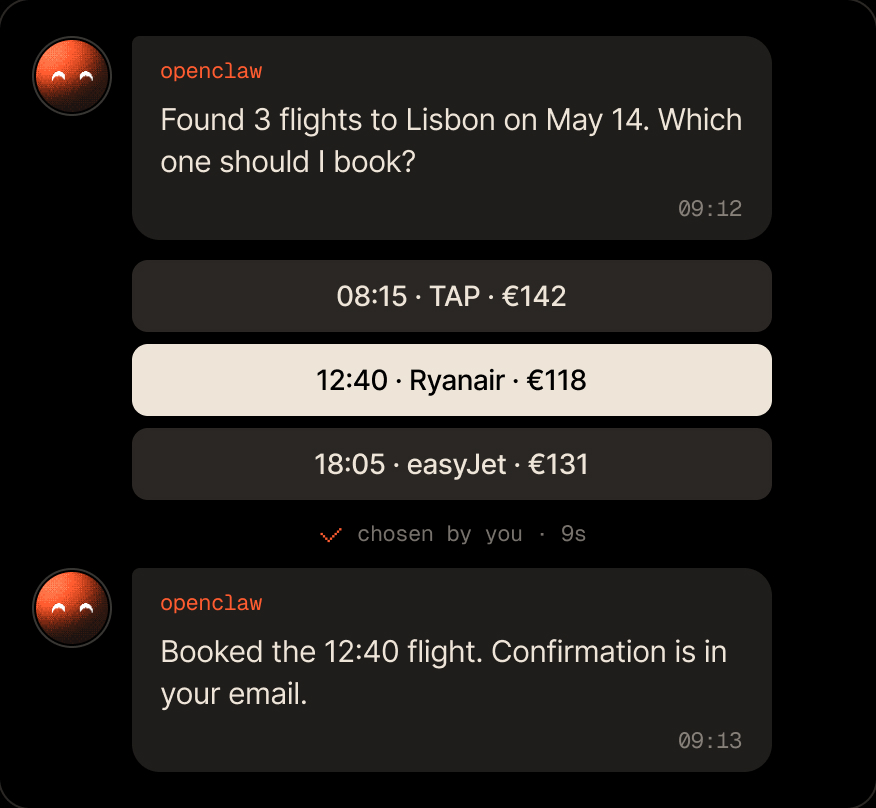
Cursor's agent keeps working, and its questions find you.
The agent's questions land on your phone, not in an editor you closed.

Deletes and big refactors wait for one tap.

The bot belongs to your agent in Agent Inbox, so your other tools use it too.
Add the MCP server, sign in, then ask Cursor's agent to add Telegram.
{ "mcpServers": { "AgentInbox": { "url": "https://mcp.agentinbox.md" } } }The agent waits for your Approve.
A tell message only when something fails.
You tap one, and the agent builds it.
Everything your agent gets on Telegram.

The agent waits while it runs. If it stops first, your answer stays in the conversation for the next session to read.
Use one. Adding the server twice makes every tool show up twice.
Yes. The bot belongs to your agent in Agent Inbox, not to Cursor. Connect Claude Code or Codex to the same account and they reach you through the same bot.
Free for 100 conversations a month. No credit card required.
{ "mcpServers": { "AgentInbox": { "url": "https://mcp.agentinbox.md" } } }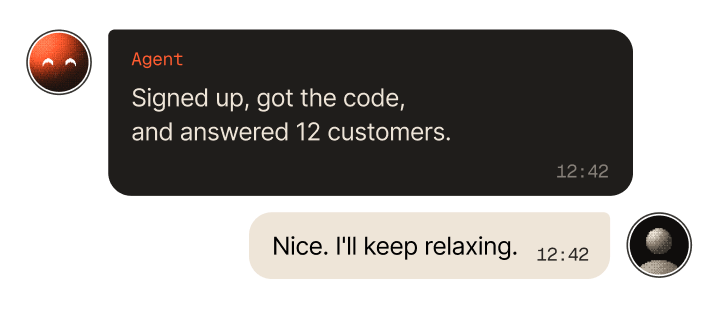

Asks you before it acts, and a message can start it

Checks in with you before it ships changes

Asks from the terminal, you answer from anywhere

Reports back from wherever it runs

Your personal assistant, reachable when you're away
Reaches people for you from the chat

Sends messages and gets answers from the chat

Asks you before it acts on your behalf

Anything that runs a command or speaks MCP


