Its own private bot
You create the bot with @BotFather, so only you control it.
 agentinbox
Agent Inbox for Telegram
Create a private bot with BotFather and connect it in one command. Your agent can then message you, ask with buttons, and wait for your tap.
npx @agentinbox/cli setup telegram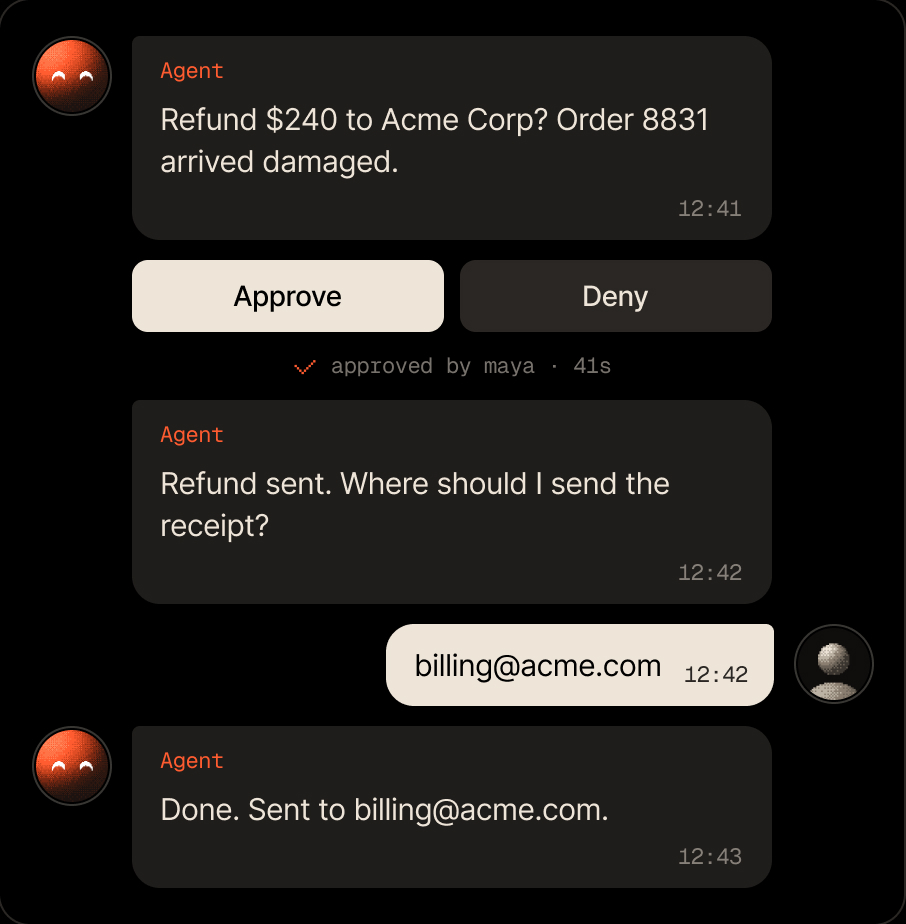
You create the bot with @BotFather, so only you control it.

Approvals and choices arrive as buttons in the chat. One tap answers.

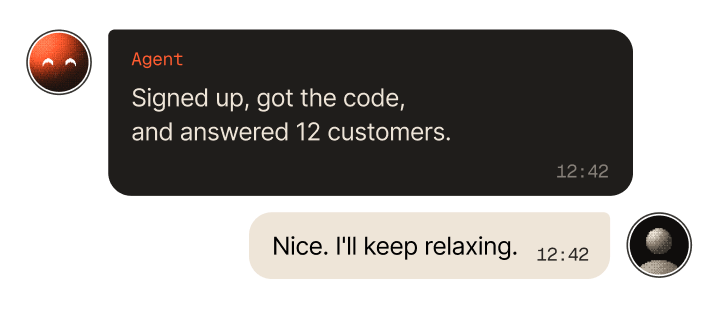
Your agent starts the conversation when it needs you.

Each answer goes back to the conversation that asked for it.
$ npm i -g @agentinbox/cliadded 1 package in 2s ✓ agentinbox is ready
Four message types cover what an agent needs from a person. Every type except tell waits for the answer.
A yes or no before anything hard to undo. Two buttons in the chat.
$ agentinbox send approve "Restart the production database?" --to ana --ttl 1hApproved by Ana at 9:41 AM
(exit code 0, or 10 if denied)

Pick your agent for setup steps and prompts written for it.

Asks you before it acts, and a message can start it

Checks in with you before it ships changes

Asks from the terminal, you answer from anywhere

Lets its agents ask you instead of guessing

Reports back from wherever it runs

Your personal assistant, reachable when you're away
Reaches people for you from the chat

Sends messages and gets answers from the chat

Asks you before it acts on your behalf

Anything that runs a command or speaks MCP
Using another agent?Read the CLI docs →

The people your agent can reach. You're the first one.
agentinbox contact list
Send a teammate a link that opens your bot. Once they tap Start, your agent can reach them.
agentinbox contact invite carol --name "Carol Diaz" --via telegram
Messages from strangers are information, never instructions. Switch to contacts only and they never arrive.
Configure on agentinbox.md →
Pause your agent and new messages wait in the inbox until you resume.
Configure on agentinbox.md →Support
Approve refunds from your phone. The refund waits for your tap, wherever you are.
agentinbox send approve 'Refund $240?' --to mayaDevOps
Approve deploys on call. The on-call engineer gets the deploy request in Telegram and answers with a tap.
agentinbox send approve "Deploy v2.4 to prod?" --to oncallPersonal assistant
Let your assistant ask, not guess. Options arrive as buttons, so picking takes a second.
agentinbox send choose "Which flight?" --option 9am --option 1pmMonitoring
Get told when it matters. A short message when a job finishes or fails.
agentinbox send "Nightly build: 0 failures"
Yes. You create a private bot with @BotFather and paste its token in your terminal or on the Agent Inbox setup page. Only you control it, and the token never goes into a chat with your agent.
Yes. Invite teammates as contacts and each gets a link that opens the bot. Your agent can then message any of them, or ask up to 50 at once and take the first valid answer.
Every question has a time limit: 24 hours by default, up to 5 days. When it runs out, the question expires and your agent gets that result, so it can decide what to do next.
No. Your agent starts conversations only with contacts. If a stranger writes first, the message arrives as information, never as instructions, and your agent can reply. Switch to contacts only to keep strangers out.
Agent Inbox is free for 100 conversations a month. You can also try it without an account: a keyless setup gives you 5 free messages.
Free for 100 conversations a month. No credit card required.
npx @agentinbox/cli setup telegram