


Answer from your phone
OpenCode's questions arrive in Telegram instead of waiting at a prompt.
 agentinbox
OpenCode stays in the terminal. Your answers can come from your phone.
opencode mcp add AgentInbox --url https://mcp.agentinbox.md --global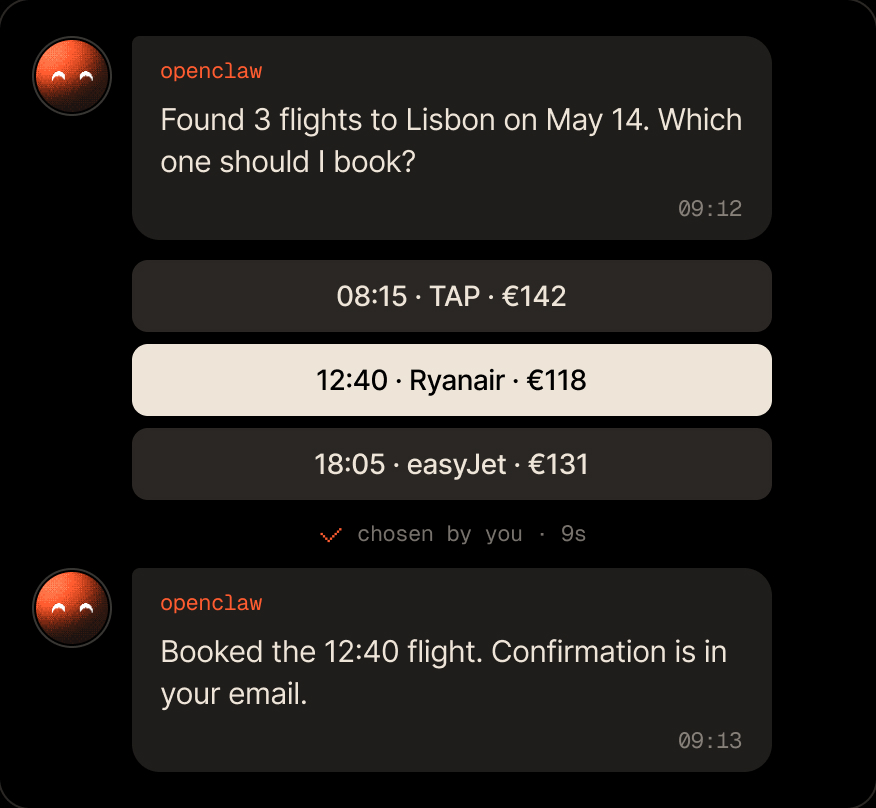
Start a task, leave your desk, and answer when OpenCode asks.
OpenCode's questions arrive in Telegram instead of waiting at a prompt.

Big rewrites and deletes wait for your tap.

You create it with @BotFather. Nobody else owns it.
Add the MCP server for every project, sign in, and add Telegram from OpenCode.
opencode mcp add AgentInbox --url https://mcp.agentinbox.md --globalNothing changes until you tap Approve.
A tell message you can read on the go.
You tap one, and OpenCode uses it.
Everything your agent gets on Telegram.

No. The MCP server gives OpenCode the inbox tools, and OpenCode can add Telegram for you with a link. The CLI is only for scripts and terminals.
Run opencode mcp list. It shows whether Agent Inbox is signed in.
The question stays open until you answer or it expires: 24 hours by default, up to 5 days. OpenCode gets an expired result if it runs out.
Free for 100 conversations a month. No credit card required.
opencode mcp add AgentInbox --url https://mcp.agentinbox.md --global

Asks you before it acts, and a message can start it

Checks in with you before it ships changes

Lets its agents ask you instead of guessing

Reports back from wherever it runs

Your personal assistant, reachable when you're away
Reaches people for you from the chat

Sends messages and gets answers from the chat

Asks you before it acts on your behalf

Anything that runs a command or speaks MCP


